

Universal Serial Bus (USB) is a new data communication method that gradually replaces other interface standards. In 1995, it was jointly formulated by computer companies and communication companies such as Intel, Compaq, digital, IBM, Microsoft, NEC, Northern Telecom, etc., and gradually formed an industry standard
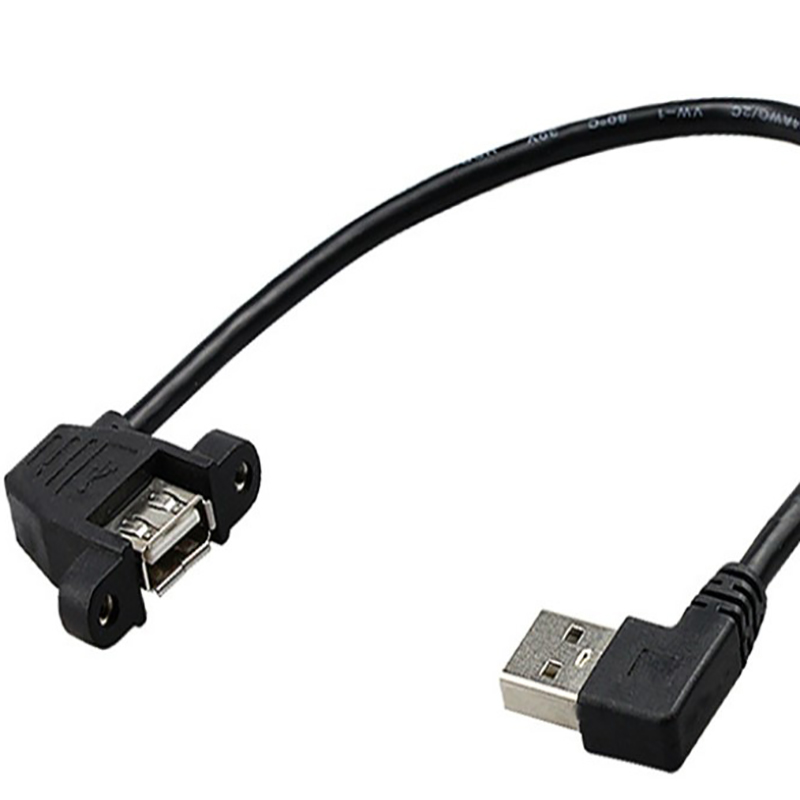
As a high-speed serial bus, the USB bus has a very high transmission speed and can meet the application environment requirements of high-speed data transmission. In addition, since the introduction of the bus, the power supply is simple (bus power), the installation and configuration are convenient (plug and play, hot-swap support), the expansion port is simple (up to 127 peripheral devices can be expanded through the hub), and the transmission mode is various (4 transmission mode), good compatibility (downward compatibility after product upgrade), Universal Serial Bus (USB) has successfully replaced serial port and parallel port, and has become one of the standard expansion interfaces and necessary interfaces for a large number of computers and intelligent devices in the 21st century. Developed for USB 4.0
USB has the advantages of fast transmission speed, convenient use, support for hot plugging, flexible connection, and independent power supply. It can connect various peripherals such as keyboards, mice and mass storage devices. This interface is also widely used in smartphones. The interaction between the computer and other smart devices and external data is mainly based on the network and USB interface.
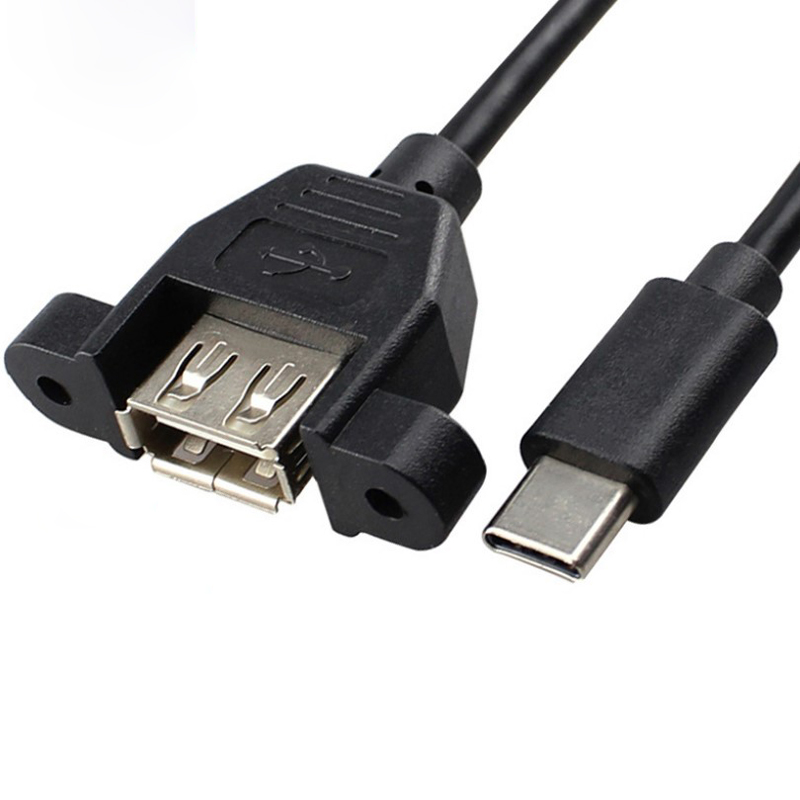
Function of USB interface:
1 You can use a USB disk as a transfer port2 Import data. You can use the phone's data cable to connect to the computer for charging and data transfer
3 The mouse operation interface can be more concise and convenient
4 If equipped with enough USB ports, one USB port can transfer the content of multiple mobile phones.